
For iPhone · Free to start
Carousels that flow.
Turn your photo dump into a story worth swiping. Build every slide on one canvas, then export them ready for Instagram.

Swipe
Inside the app
Everything a carousel needs, nothing it doesn't.
One canvas, up to 20 slides
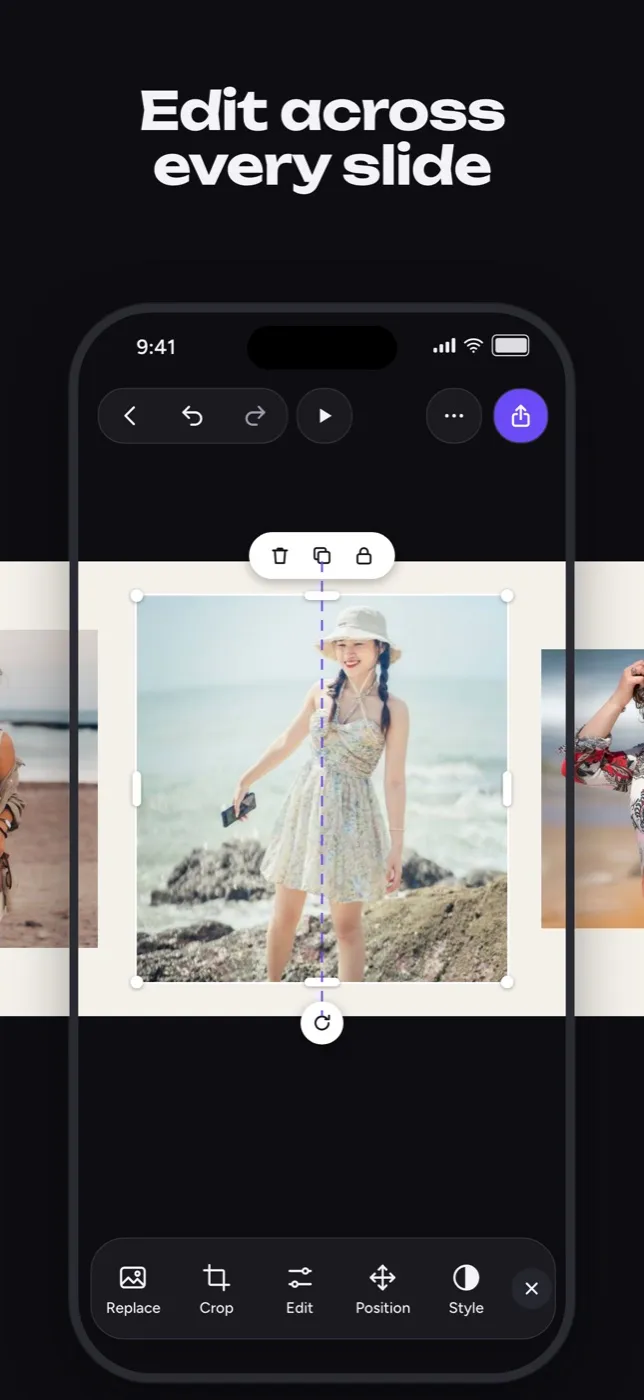
Let a photo stretch across slide edges and arrange the whole story in one place.
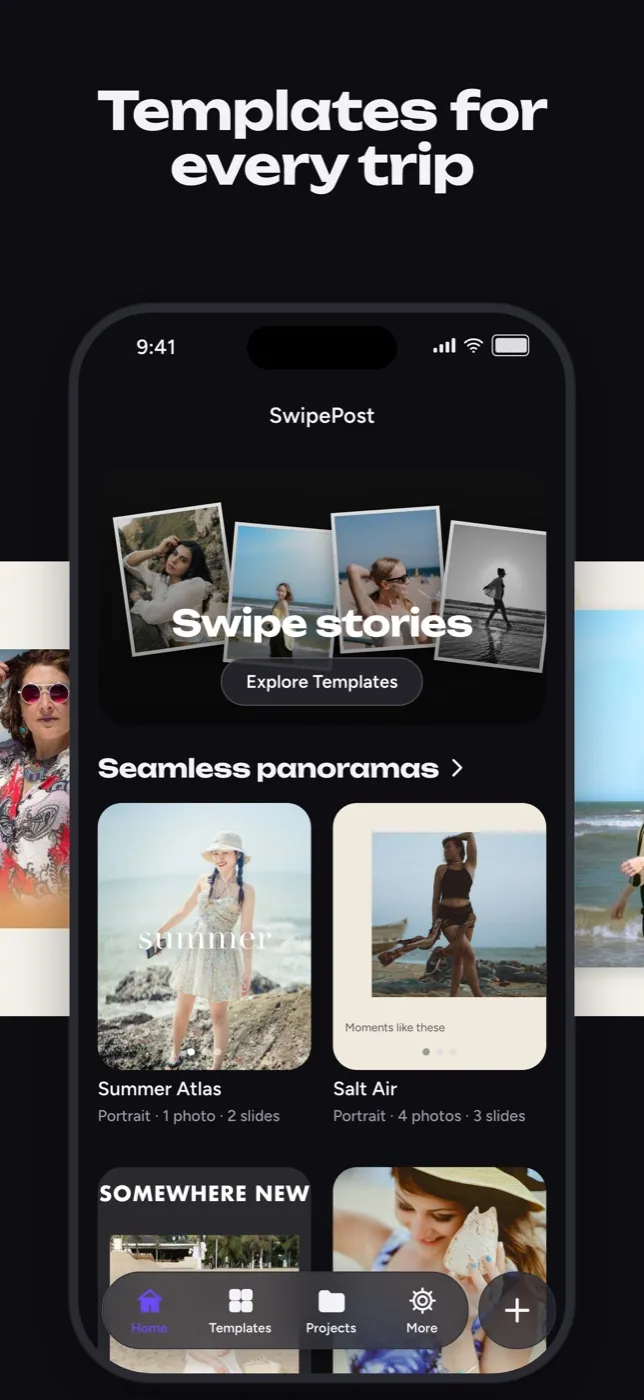
Templates for every mood
Photo dumps, scrapbooks, travel diaries and more. Start from a template or a blank canvas.
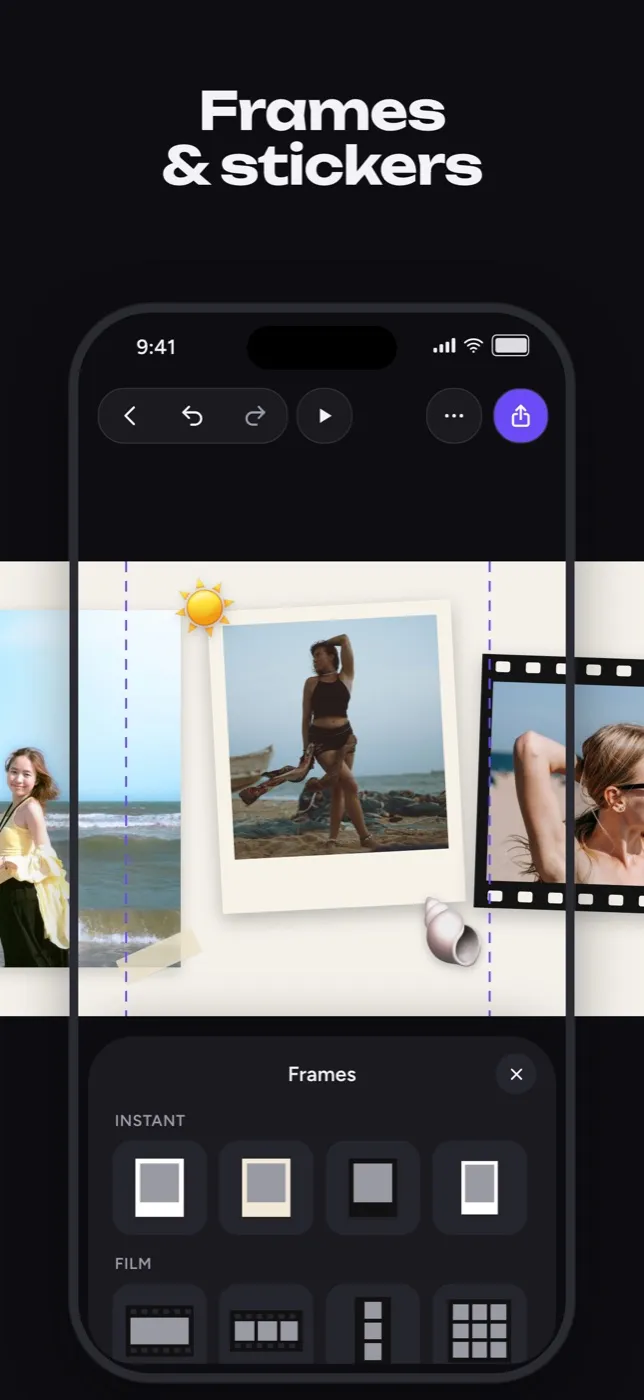
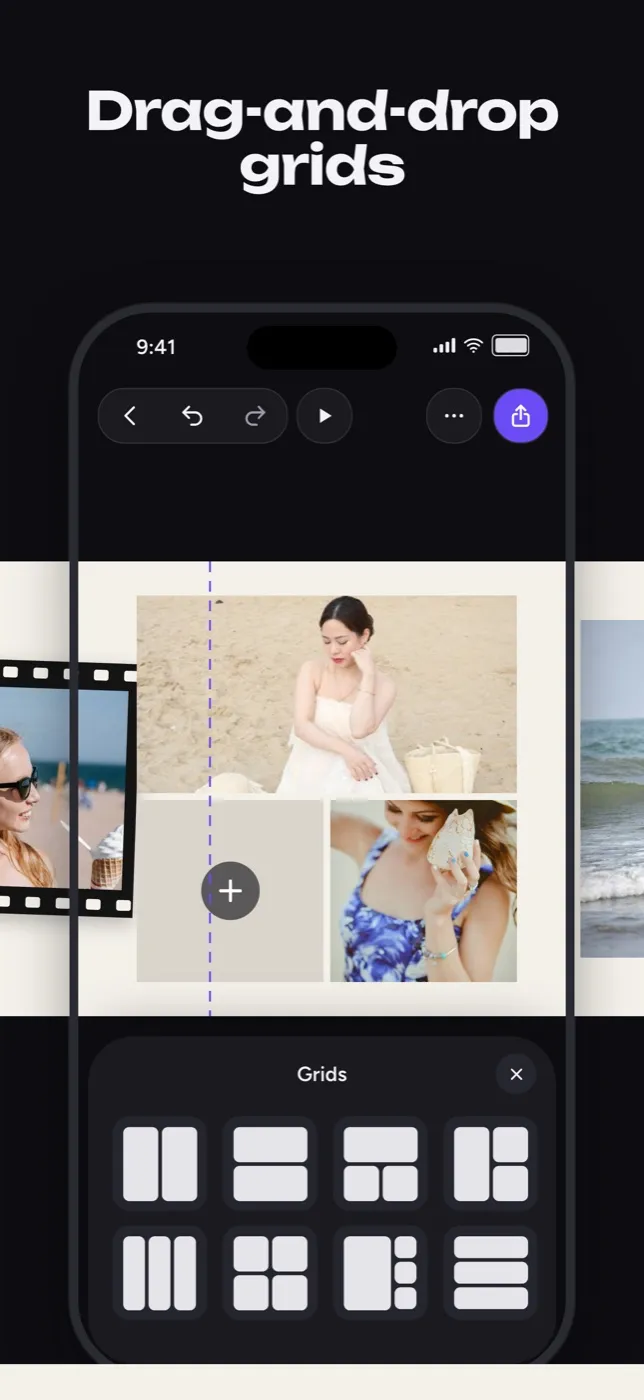
Frames, grids and stickers
Instant and film frames, drag-and-drop grids, torn paper, shapes and your own drawings.
Photos and videos together
Mix both in one project. Crop, filter, adjust colors and cut out a subject.
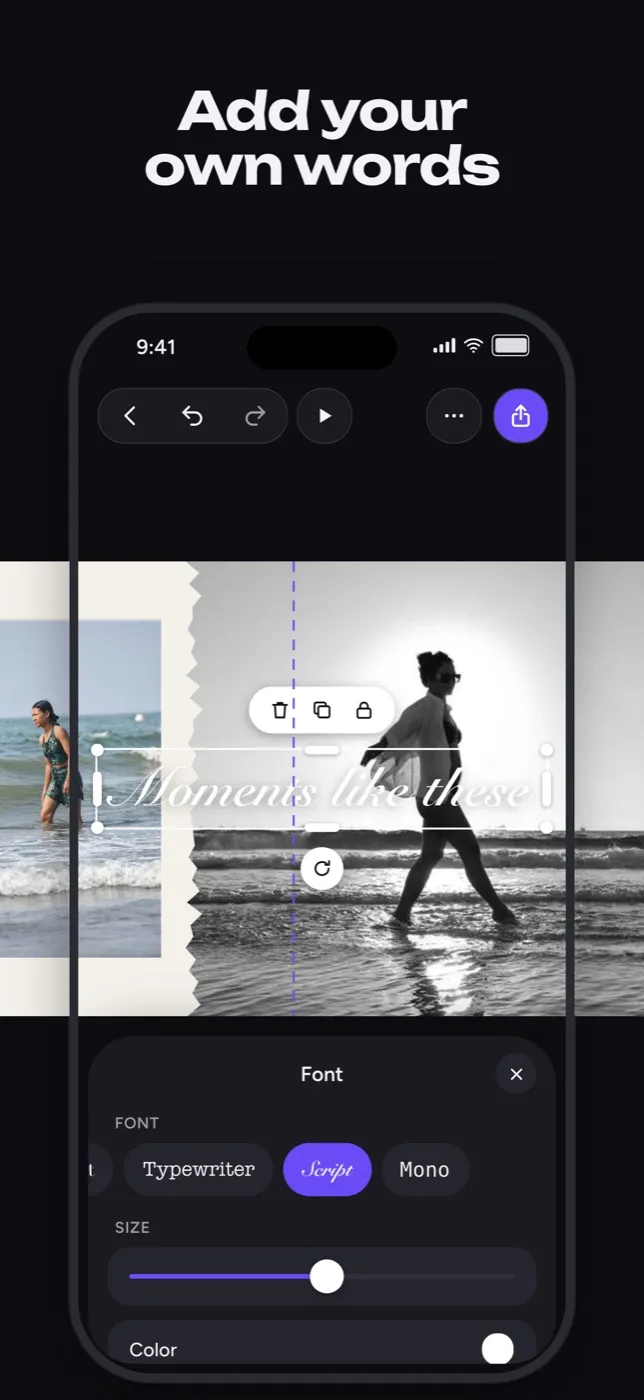
Your own words
Add text in the font and color that fits, then place it anywhere on the canvas.
Ready to post
Export photo slides as JPG and video slides as MP4, then save to Photos or share.
SwipePost Pro
Free to create. Pro for more templates.
Free
- Every editing tool
- Photos, videos and gradients
- Free templates
- No watermark
Pro
- Every Pro template
- New templates as they are added
- Everything in Free
Plans and prices for your country are shown in the app before you buy.
FAQ
Good questions.
Does SwipePost post to Instagram for me?
No. SwipePost exports your slides to Photos or the share sheet. Pick them in Instagram in order and the carousel lines up seamlessly.
Where are my projects stored?
On your iPhone. Your photos and projects are not uploaded anywhere.
Do I need an account?
No. Open the app and start creating.
How do I cancel Pro?
Subscriptions are managed by Apple. Open Settings on your iPhone, tap your name, then Subscriptions.
Make your next photo dump feel like a story.
Free on the App Store. Say hi on Instagram at @swipepost.app.